One production workspace from first draft to final wrap.
ShotLabs helps film and video teams plan, coordinate, communicate, and execute production with more clarity.
From scripts and schedules to client intake, call sheets, live production days, deliverables, finance, and AI-assisted document intelligence, ShotLabs turns scattered production work into one connected operational system.

Built for producers, ADs, videographers, department leads, and teams who need one clearer production plan.
How ShotLabs Works
A connected workflow for the way production actually moves.
ShotLabs is not just a dashboard. It is a production workflow that helps teams move from messy information to a usable plan, then from a usable plan to a coordinated production day.
Start with the source
Create a project, upload the script, import a client dossier, or begin from a production brief. ShotLabs gives the work a structured home from the first planning decision.
Build the production plan
Break down scenes, shape schedules, organize timelines, collect contacts, assign crew, and turn scattered information into a working production structure.
Coordinate the team
Keep cast, crew, vendors, clients, departments, and producers aligned with the documents, call times, notes, and responsibilities that matter.
Execute the day
Move from prep into production with call sheets, live timelines, production day controls, team check-ins, and real-time context that keeps the day moving.
Track what changed
Capture production activity, revisions, notes, deliverables, costs, documents, and follow-up work so the project does not lose its operational memory.
Two Production Modes
Film teams and video teams do not work exactly the same way. ShotLabs respects that.
For narrative, scripted, and production-heavy film work.
Film Mode is built around the language of production: scripts, scenes, cast, crew, departments, stripboards, call sheets, compliance, and production day execution.
Script breakdown and scene intelligence
Digital stripboard and shoot-day scheduling
Call sheets, morning packages, and production day
Cast, crew, compliance, finance, and workspaces
For events, weddings, corporate, brand, and client-driven video.
Video Mode is built around the realities of client work: intake forms, event timelines, contacts, vendors, shot requests, deliverables, client portals, and fast-moving shoot days.
Client intake, questionnaires, and contact flow
Event timeline, shot list, equipment, and team planning
Video call sheets, deliverables, and client portal
Smart document intake for events, briefs, and dossiers
Film Side
From script to schedule to production day.
On the film side, ShotLabs helps teams organize the building blocks of a production: scripts, scenes, cast and crew, locations, schedules, call sheets, departments, compliance records, and finance context.
The goal is simple: make the plan easier to read, easier to update, and easier to execute when the shoot day gets loud.
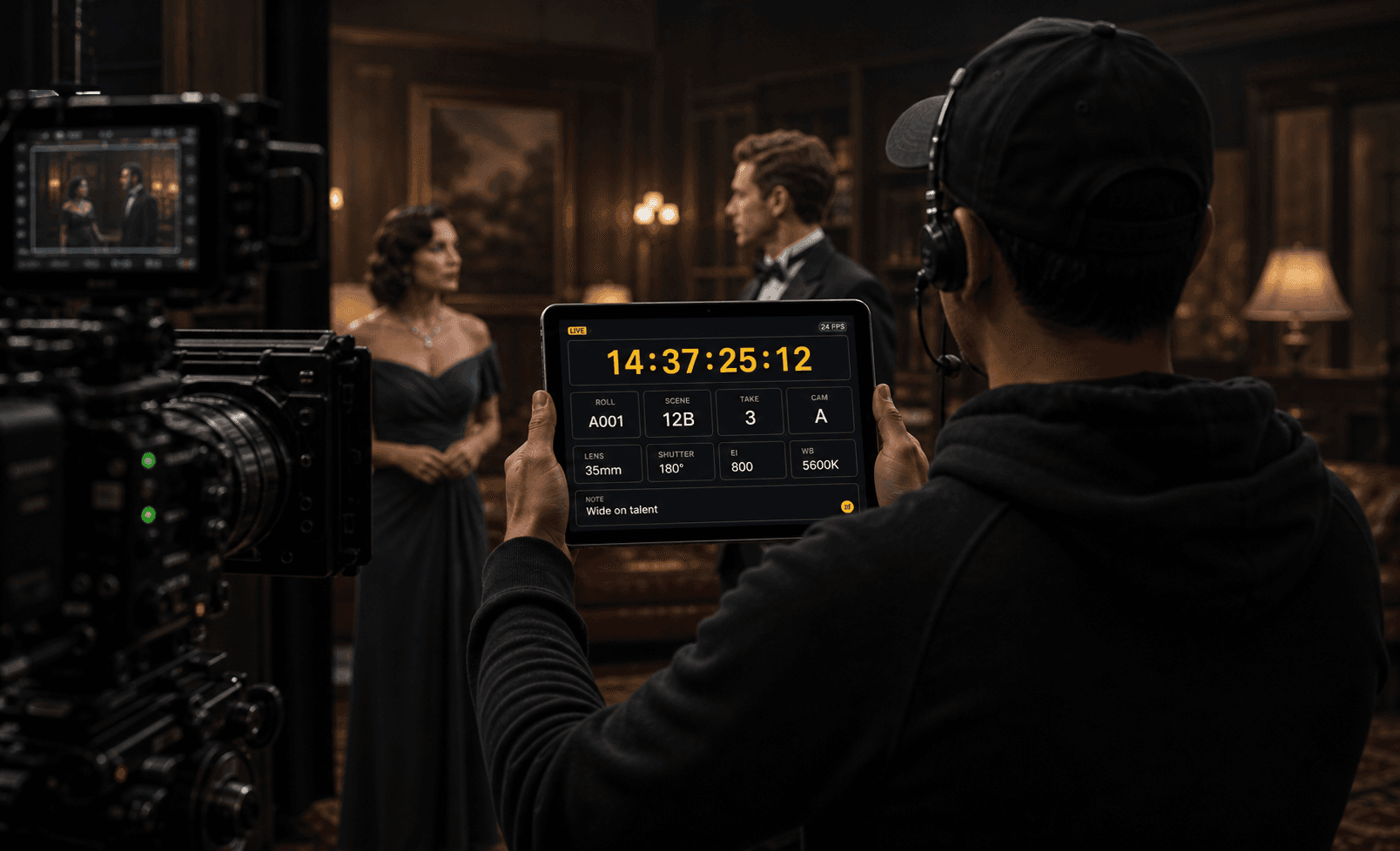
On set, Film Mode can support practical production-day moments like timecode, camera information, roll context, and live shoot-day coordination.

For interviews and client-driven video, ShotLabs can support tablet-ready production tools like teleprompter workflows and script prompts.
Video Side
From client intake to event timeline to delivery.
On the video side, ShotLabs supports the client-driven workflow: collecting event details, organizing contacts and vendors, building timelines, tracking shot requests, planning equipment, sending lightweight call sheets, and managing deliverables.
It gives videographers, production companies, and creative teams a more professional way to move from inquiry to shoot day to final delivery.
Platform Structure
The pieces production teams usually manage separately, connected in one place.
Overview
Project-level command context for status, next shoot dates, calendar events, alerts, budget previews, and active production movement.
Documents + AI Intake
Upload production documents and review AI-suggested fields before applying them into the right parts of the project.
Schedule + Timeline
Plan film shoot days with a stripboard or coordinate video work through event timelines, live segments, and schedule notes.
Cast, Crew + Contacts
Organize collaborators, vendors, clients, talent, departments, call information, and reusable production relationships.
Call Sheets
Turn the plan into clear production communication with call times, locations, schedule context, contacts, and notes.
Production Day + Live Mode
Give the team a practical control surface for what is happening now, what is next, and what needs attention.
Finance + Deliverables
Track budgets, invoices, payments, project outputs, delivery links, and the business layer around production work.
AI Assist
Use review-first intelligence to classify documents, summarize context, surface conflicts, and help teams move faster without losing control.
Review-First AI
Intelligent help without giving up control.
ShotLabs uses AI where it can reduce tedious production work: classifying documents, extracting useful details, suggesting destinations for data, surfacing conflicts, and helping teams understand what changed.
But production data is too important to blindly overwrite. ShotLabs is designed around review, confirmation, confidence, and human approval.
Why Teams Use It
ShotLabs makes production feel less scattered.
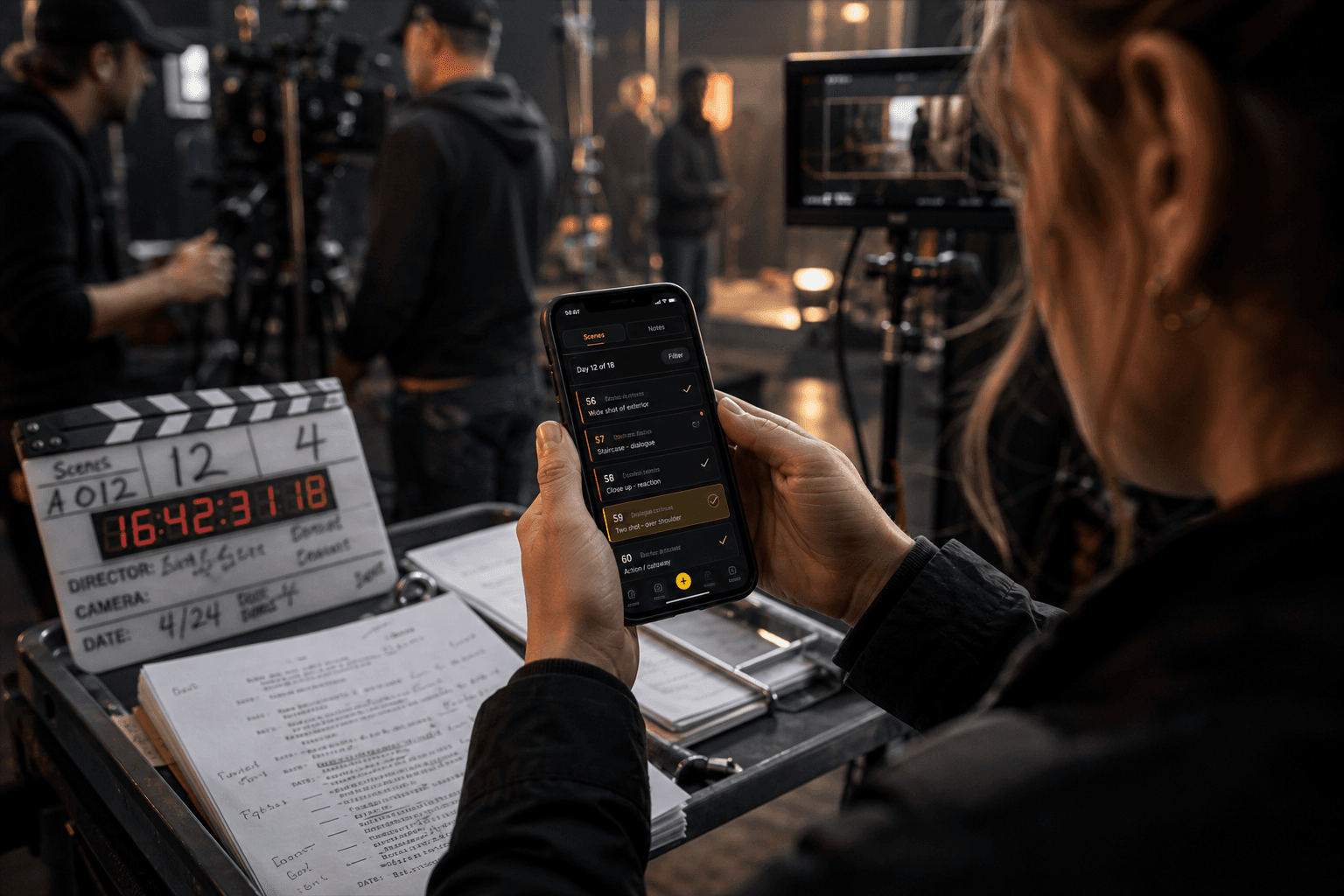
Mobile workflows help production teams capture script notes, scene context, and updates without waiting to get back to a desk.
The workspace follows the team.
Production work does not happen in one place. ShotLabs is designed for planning on desktop, reviewing on tablet, and capturing important information from a phone when the moment happens.
Ecosystem Context
One emerging platform inside a larger coordination technology ecosystem.
ShotLabs is an early expression of Sterling IntelliTech's broader vision: technology that helps teams synchronize people, information, timing, and execution.
For film and video teams, that vision starts with a production workspace that feels practical, intelligent, and built for the pressure of real creative work.
Build the plan. Coordinate the people. Run the day.
ShotLabs is built for teams who want production coordination to feel less fragmented, more professional, and more prepared for the realities of the work.